
The short answer
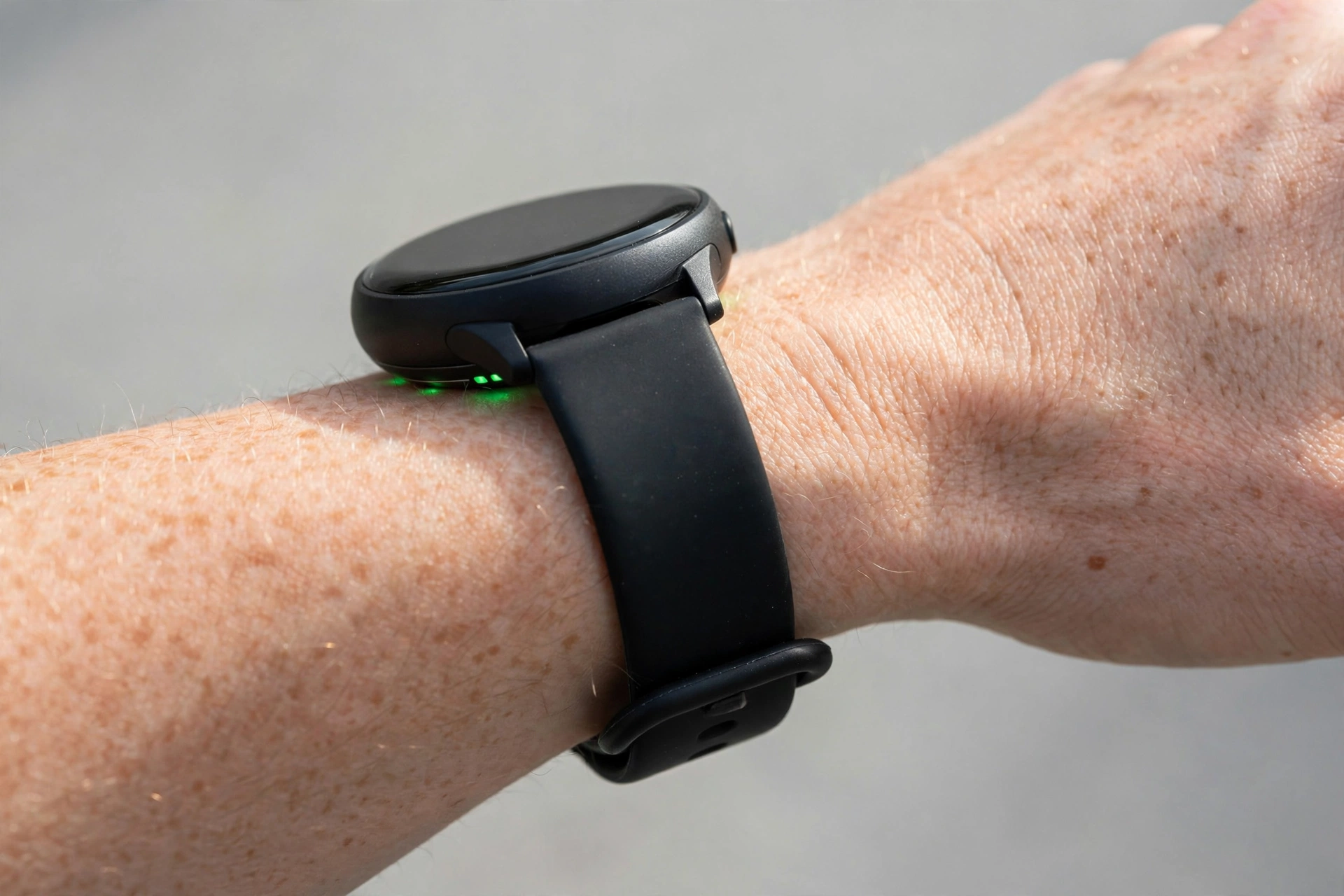
A smartwatch should be snug, but not tight. Wear it about one finger-width above your wrist bone, with the back of the watch flat against your skin and no gap for light to leak in. You should be able to slide one fingertip under the band with a little effort, but the watch should not slide, rotate, or lift off your skin when you shake your wrist.
Tighter is not more accurate. Once the sensor has steady contact, extra pressure only restricts blood flow, causes marks and irritation, and can make readings worse.
Quick rule: Snug for daily wear. One notch tighter for workouts. One notch looser for sleep. Loosen it again after you finish exercising.
Why fit matters more than the watch model
Most modern smartwatches measure heart rate with photoplethysmography (PPG): green LEDs shine into your skin and the sensor reads tiny changes in blood flow. That only works with steady, consistent contact.
- Too loose: The sensor lifts, outside light leaks in, and motion creates noise. You get gaps, sudden spikes, or a heart rate that looks like your running cadence instead of your pulse.
- Too tight: You compress the blood vessels the sensor is trying to read. Readings can drop artificially, and you risk numbness, tingling, deep strap marks, and skin irritation.
- Right fit: The watch and the skin underneath move together. That is the exact wording Garmin uses, and Apple and Samsung give the same advice in different words: close on the wrist, not too tight, not too loose, with room for skin to breathe.
If your heart rate looks wrong, check fit and placement before you blame the watch.
The 30-second fit test
Do this once, then repeat it after you change bands.
- Place it high enough. Slide the watch about one finger-width above your wrist bone, on the flatter part of your forearm. Directly on the bone, the sensor cannot sit flat.
- Tighten to snug. Fasten it so the back stays in contact when you move your arm normally. It should not spin around your wrist.
- Shake test. Shake your wrist, then turn your palm face up. If the back loses contact with your skin, tighten one notch.
- Finger test. Try to slide one fingertip under the band. It should go in with slight resistance, not easily and not with force.
- Comfort test. Wear it for 10 minutes. No throbbing, tingling, numbness, or deep red line when you take it off. A faint, fading mark is normal. A deep, lasting dent is too tight.
If it passes all five, your daily fit is right.
Too tight vs. too loose: how to tell
| Sign | Too tight | Too loose |
|---|---|---|
| Skin after removal | Deep red line, dent lasts, itching or soreness | No mark, but watch moved during the day |
| During movement | Watch stays put, but hand feels tingly or cold | Watch slides over the wrist bone or rotates |
| Heart rate | May read low, flat, or drop out | Spikes, drops, gaps, or locks onto step cadence |
| Notifications / wrist detection | Usually works, but uncomfortable | Watch locks, misses taps, or asks for a passcode again |
| Fix | Loosen one notch, or switch to a more adjustable band | Tighten one notch, or move it slightly higher |
How tight should a smartwatch be for workouts?
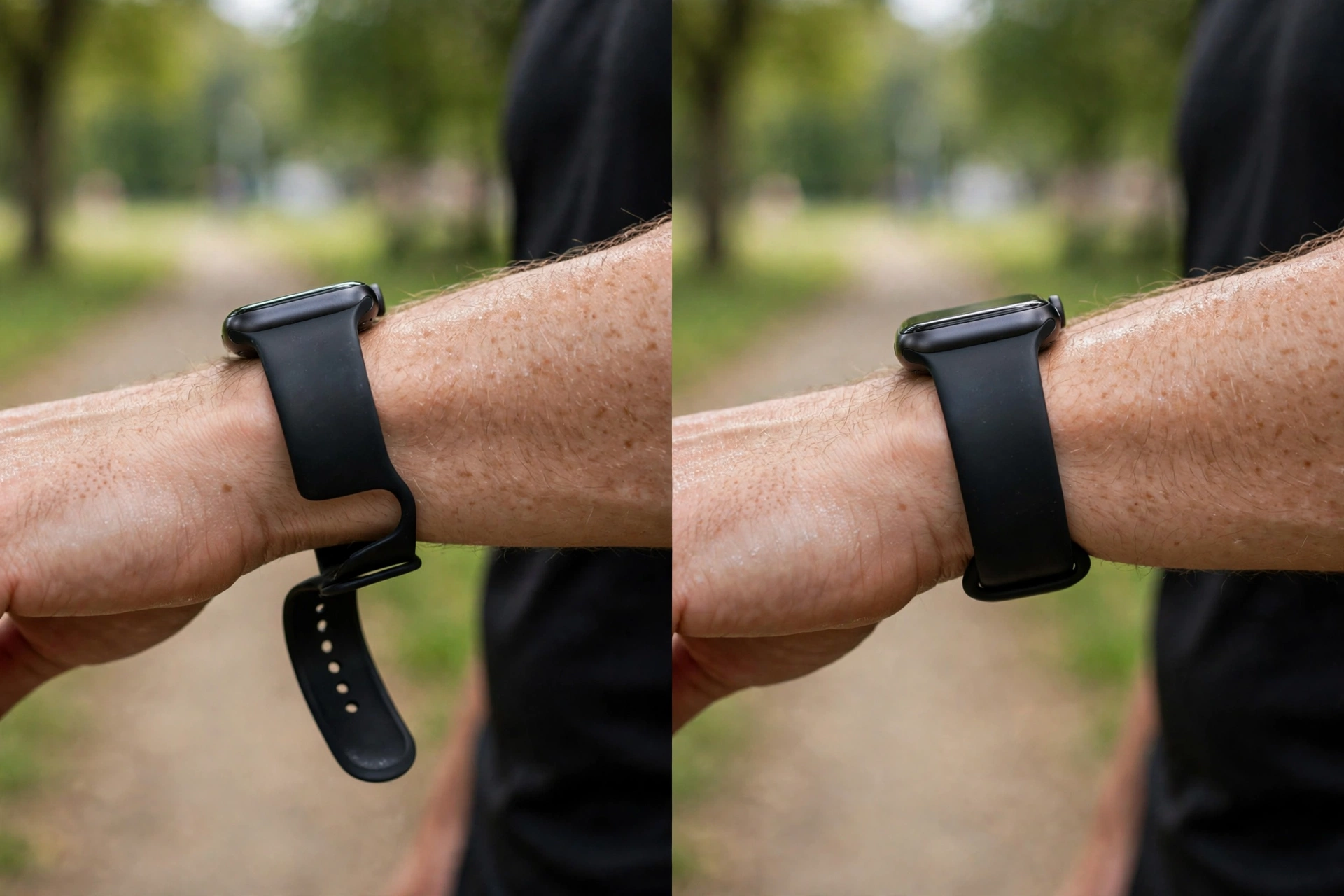
Tighten it one notch from your daily fit, and keep it in the same higher position above the wrist bone.
That extra notch stops the sensor bouncing during running, HIIT, rowing, and weight training, when arm movement is the biggest source of error. After the workout, loosen it back to your daily fit. Wearing a workout-tight band all day is the most common cause of irritation.
Three more workout tips that matter as much as tightness:
- Warm up first. Cold skin constricts blood vessels and weakens the optical signal. Give it about five minutes of easy effort before you trust the number.
- Clean the sensor. Sweat film, sunscreen, and lotion scatter the sensor light. Wipe the back with a soft, dry cloth after training.
- For training zones, consider a chest strap. Wrist sensors are good for steady cardio trends. For intervals, race pacing, or heart-rate zones, a Bluetooth chest strap that reads the heart’s electrical signal is still more reliable than any wrist sensor.
How tight should a smartwatch be for sleep?
Looser than daytime, but not loose enough to slide off.
Sleep tracking needs the sensor to stay in contact overnight, but a tight band disturbs sleep and can leave marks by morning. Loosen one notch from your daily fit, and choose a soft silicone or nylon loop band if your usual band feels stiff at night. If you wake up with the watch on the back of your hand, it was too loose. If you wake up with a sore wrist, it was too tight.
Fit by brand: Apple, Samsung, Garmin, Pixel, and Fitbit
The rule is the same, but the wording and band systems differ. This is where your band size matters too — a band that is the wrong lug width will never fit right, no matter how you fasten it.
Apple Watch
Apple says to wear it closely on your wrist, with the back in contact with your skin, for wrist detection and heart-rate sensing. For workouts, Apple recommends a snugger fit, then loosening again afterward. Apple bands are sold as S/M (about 130-180 mm wrists) and M/L (about 160-210 mm). If you are between sizes, S/M is usually snugger and M/L is more relaxed.
Samsung Galaxy Watch
Samsung gives S/M (130-190 mm) and M/L (145-205 mm) for most Galaxy Watches, and advises wearing the watch snugly above the wrist, not too tight or too loose, so the back stays connected to the skin without moving around. Most recent Galaxy Watches use a 20 mm quick-release band, which makes it easy to switch to a more adjustable strap if the stock band jumps from too loose to too tight in one hole.
Garmin
Garmin’s guidance is the clearest: the watch should be snug, the skin underneath should move with it, and it should not restrict blood flow. Wear it above the wrist bone, ideally on the outside of the wrist, and use a silicone band for the most accurate optical readings. Garmin watches vary widely — 18 mm, 20 mm, 22 mm, and QuickFit 20/22/26 mm — so check your exact model before buying a replacement.
Google Pixel Watch
Pixel Watch bands use a twist-lock system, not a standard lug, so a standard band will not fit without an adapter. The 41 mm and 45 mm Pixel Watch 3 bands are not interchangeable. The fit rule is identical: snug above the wrist bone, one notch tighter for workouts.
Fitbit and other trackers
The same one-finger-width placement applies. Slim trackers are easier to overtighten because they feel light, so do the shake test rather than judging by weight.
For the full model-by-model breakdown, see SmartPinch’s guide to what size smartwatch wristbands are — it covers Apple, Samsung, Garmin, and Pixel lug widths, QuickFit vs. Quick Release, and how to measure your wrist and lug width at home.
What if your heart rate is still wrong after fixing the fit?
Work through this checklist in order:
- Position: Move it one finger-width above the wrist bone, sensor flat, not over a tattoo if possible. Dark ink absorbs green sensor light.
- Cleanliness: Wipe the sensor window and your wrist. Sweat, sunscreen, and lotion are common culprits.
- Warmth: Cold hands give weak signals. Warm up before a workout reading.
- Band: A stiff leather or metal band can lift the sensor when your wrist flexes. Try silicone or nylon for workouts.
- Motion: During burpees, boxing, or heavy lifting, expect noise. Pause and stand still for a 15-second manual pulse check to compare.
- Software: Update the watch firmware and restart it. A stale sensor calibration can look like a fit problem.
- Reality check: Do not use a consumer wrist reading for medical decisions. If you have a persistently high resting rate, racing episodes, or other symptoms, speak to a healthcare professional.
How to choose a band that holds the right fit
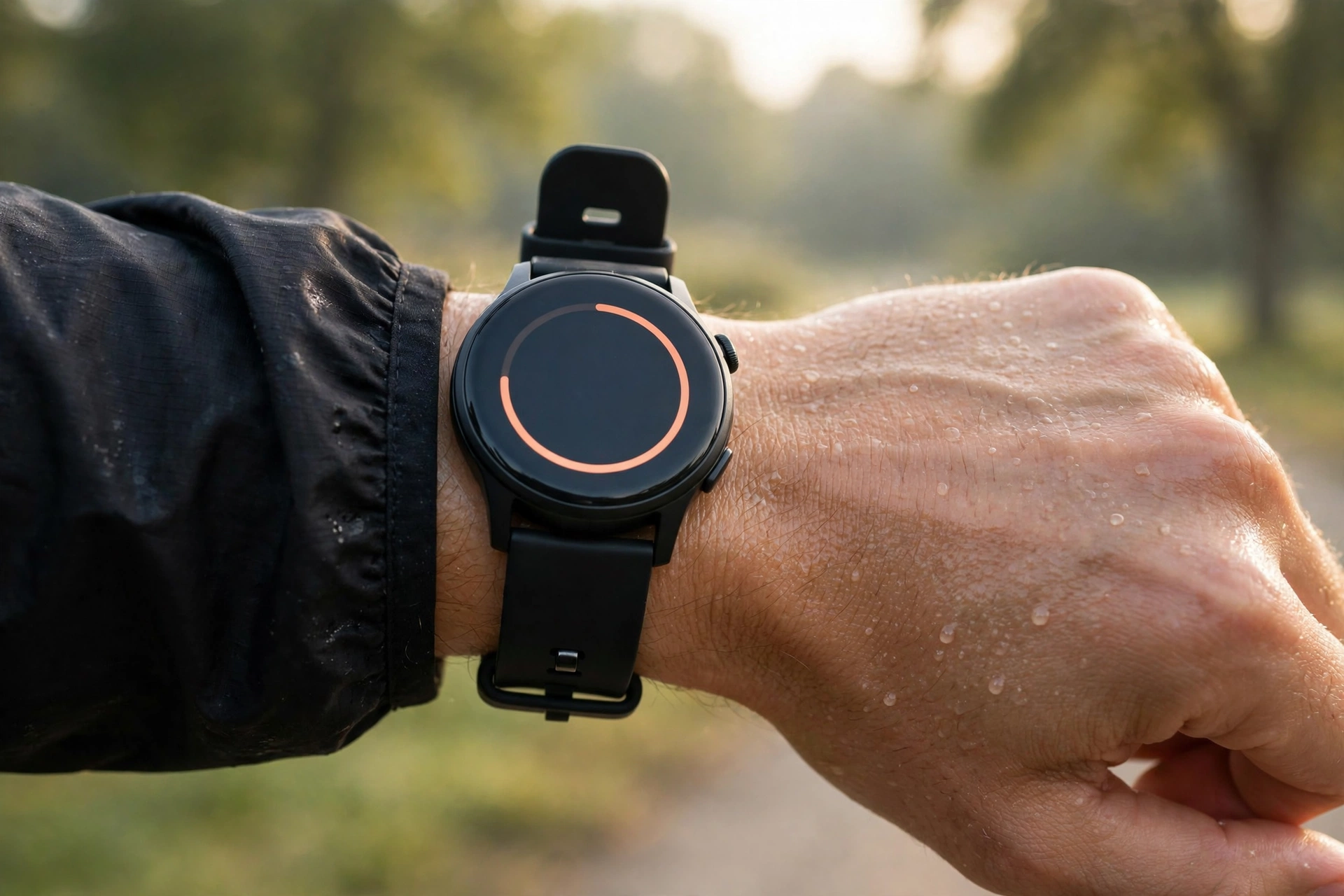
- Nylon sport loops give near-infinite adjustment, which solves the “one hole too loose, next hole too tight” problem.
- Fluoroelastomer (Apple and Samsung sport bands) lasts longer and attracts less lint than cheap silicone, and is kinder to sensitive skin.
- Metal link bands look great but are heavy and can bounce during runs, which hurts heart-rate accuracy. Save them for daily wear.
- Correct lug width first. A 20 mm band on 22 mm lugs will slide side to side, and a 22 mm band on 20 mm lugs will feel stiff and tear. Measure before you buy.
New to smartwatches altogether? Start with what a smartwatch is and how it works — then pick a first watch from SmartPinch’s best inexpensive smartwatch guide for beginners.
Frequently asked questions
How tight should an Apple Watch be?
Snug, with the back flat on your skin about one finger-width above the wrist bone, and room for your skin to breathe. Tighten one notch for workouts, then loosen it again after.
Can wearing a smartwatch too tight affect heart rate accuracy?
Yes. Too tight can restrict blood flow under the sensor and give artificially low or missing readings. Snug contact helps; extra pressure does not.
Why does my smartwatch heart rate spike during workouts?
Usually motion, not your heart. A loose sensor bounces, lets light leak in, and can lock onto your step cadence. Tighten one notch, move it higher, warm up, and clean the sensor.
Should I wear my smartwatch tight at night?
No. Loosen one notch from your daily fit for sleep. It still needs skin contact for sleep tracking, but a tight band disturbs sleep and irritates skin.
How do I know if my smartwatch band is the wrong size?
If the watch slides even on the tightest hole, or the loosest hole still leaves a deep mark, the band length or lug width is wrong, not just the fastening. Measure your wrist circumference and your lug width, then match both.
Is it bad to wear a smartwatch all day?
Not if the fit is right and you clean the band regularly. Give your wrist a break after workouts, wash silicone bands with warm soapy water, and loosen the band if you notice irritation.
This guide is for general fitness information only and is not medical advice. Consumer smartwatches estimate heart rate for fitness tracking; they are not medical devices.