
The best smart home system for beginners in 2026 is a small one: one smart speaker, two smart bulbs, and one smart plug, all bought inside a single ecosystem — Alexa, Google Home, or Apple HomeKit — for about $85 to $160. That is the whole starter kit. It gives you voice control, lights you can dim and schedule, and one lamp or appliance you can switch from your phone, and it teaches you how the system works before you spend another dollar. The two mistakes that ruin a first smart home are buying devices from three different ecosystems at once, and buying a dozen gadgets before the first three work. Pick one ecosystem, buy the three starter devices, and only then add a thermostat, a doorbell, or sensors. This guide shows you the three starter kits side by side, the exact order to buy in, and what not to buy first.
The 3 Starter Kits at a Glance
There are only three ecosystems worth starting with in 2026: Amazon Alexa, Google Home, and Apple HomeKit. Everything else is a niche pick for a hobbyist. Your phone decides for you more than any review will — Android users get the smoothest ride with Google Home, iPhone users with HomeKit, and everyone else (or anyone who wants the widest device choice) with Alexa. If you are still torn, read our full comparison of Alexa vs Google Home vs Apple HomeKit before you spend anything.
| Starter kit | Hub / speaker | Bulbs | Plug | Total (approx.) | Best for |
|---|---|---|---|---|---|
| Alexa kit | Amazon Echo Dot (5th gen), ~$50 | 2x TP-Link Tapo Matter bulbs, ~$20 | TP-Link Kasa Smart Plug EP25, ~$15 | ~$85 | Widest device choice, best value |
| Google kit | Google Nest Hub (2nd gen), ~$100 | 2x TP-Link Tapo Matter bulbs, ~$20 | TP-Link Tapo P115 Matter plug, ~$14 | ~$134 | Android users, visual dashboard |
| Apple kit | Apple HomePod mini, $99 | Nanoleaf Essentials Matter bulb, ~$20 | Eve Energy Matter smart plug, ~$40 | ~$159 | iPhone users, best privacy |
Prices are list prices in late 2026 — the Echo Dot and Nest Hub regularly drop to $25–$35 and $50–$70 in sales, so a patient buyer can build the Alexa kit for under $60. Every device in the table is Matter-certified (see the rule below), which means it will keep working even if you switch voice assistants later. That is the single most important detail in this whole guide.
Pick Your Ecosystem First
A smart home system is not a pile of gadgets — it is one app and one voice assistant that all your devices answer to. Buy the speaker first, because the speaker is the hub: it is the thing you talk to, the thing that runs your routines, and, in most 2026 models, a Matter controller and Thread border router that connects your other devices.
The three choices, in plain terms:
- Amazon Alexa has the largest compatible-device list by far — over 140,000 devices — and the cheapest entry point. The Echo Dot (5th gen) is a small sphere with decent sound, and it doubles as a Matter controller and Thread border router. If you do not live deep inside Apple or Google already, start here.
- Google Home is the pick for Android households. The Nest Hub (2nd gen) adds a 7-inch screen that shows camera feeds, routines, and the weather at a glance, and it is also a Matter controller and Thread border router. Google Assistant handles follow-up questions and multi-step routines well.
- Apple HomeKit is the pick for iPhone households and anyone who cares most about privacy. The HomePod mini ($99) is a Matter controller and Thread border router in one small sphere, and HomeKit processes most automation on your devices instead of in the cloud. The trade-off is fewer compatible devices and higher prices — the Eve Energy plug costs about twice the Kasa equivalent.
One more decision sits underneath this one: whether you need a smart home hub at all in 2026. The short version is that a modern smart speaker already is the hub for a beginner setup — you do not need a separate hub box until you own Zigbee or Z-Wave devices, which a beginner should not buy. Our full beginner walkthrough in How to Start a Smart Home covers the same ground room by room if you want the longer version.
The One Rule Before You Buy Anything: Matter First
Matter is the standard that ended the old smart home trap, where a bulb bought for Alexa would not work with Google or Apple. A Matter-certified device works with all three ecosystems, and it keeps working if you switch assistants later. The rule for every purchase in this guide is simple: if the box does not say Matter, do not buy it as a beginner.
Three things to check on the box or listing before you pay:
- The Matter logo — a small badge on the packaging or product page. Wi-Fi Matter bulbs from TP-Link Tapo, Nanoleaf, and GE Cync all carry it in 2026.
- Thread support, where it matters — Thread is the low-power radio Matter devices use to talk to each other. Your Echo Dot, Nest Hub, or HomePod mini already has a Thread border router built in, so Thread devices connect through it with no extra hub.
- No proprietary hub required — if a bulb or plug needs its maker’s own bridge box to work, skip it. Philips Hue bulbs are the famous exception: they are excellent, but the classic Hue setup still wants a Hue Bridge (~$60) unless you buy the newer Matter-native Hue bulbs, which work without one. Beginners should buy the Matter-native ones or skip Hue until later.
This matters because the old Zigbee and Z-Wave devices are still on sale everywhere, and they look identical to Matter devices on a shelf. Our Matter vs Zigbee vs Z-Wave guide explains the three protocols in full — for now, just remember: Matter first, and your starter kit stays useful for years instead of becoming a drawer of incompatible gadgets.
How to Build Your First Smart Home System in 5 Steps
Buy in this order. Each step adds one thing that works on its own, so a bad purchase at step 3 does not break steps 1 and 2.
Step 1: Start With a Smart Speaker
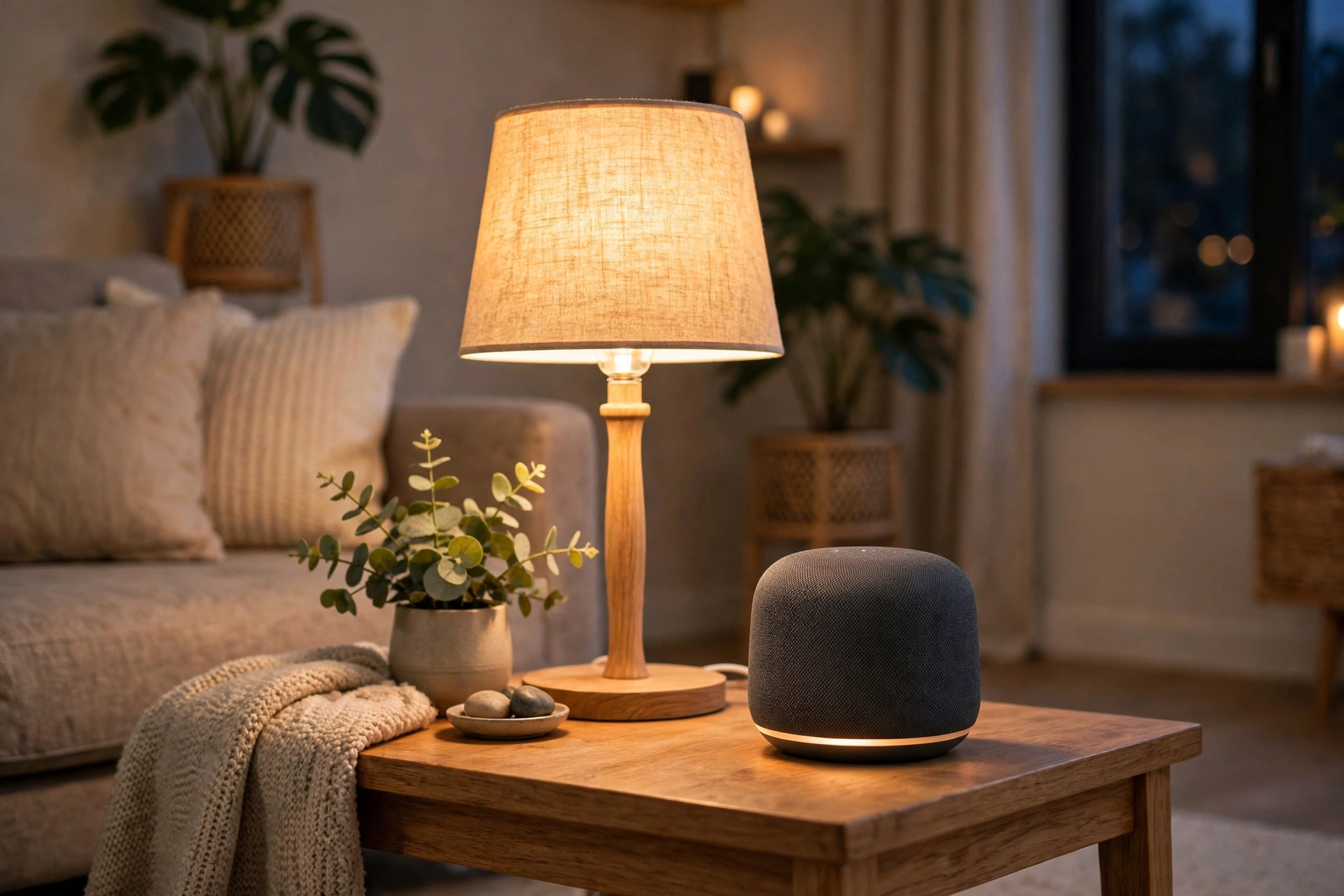
The speaker is the remote control for everything else. Pick the one that matches your ecosystem, plug it in, and spend a day using it for music, timers, and weather before you buy anything else. If you hate talking to it, you have learned something cheap — a smart home built on voice control is not for you, and you have spent $50, not $500.
- Alexa: Amazon Echo Dot (5th gen), ~$50. Small, good sound for its size, Matter controller and Thread border router built in.
- Google: Google Nest Hub (2nd gen), ~$100, or Nest Audio, ~$100, if you want sound over a screen. Both are Matter controllers.
- Apple: HomePod mini, $99. The only Apple speaker that makes sense as a starter — the full-size HomePod is overkill for a first system.
Step 2: Add Smart Lights (2 Bulbs, One Room)
Smart bulbs are the highest-value first upgrade in any smart home system: they install in minutes, need no wiring, and change how a room feels the same evening you fit them. Start with two bulbs in the room you spend the most time in — the living room, usually — and buy Matter-certified Wi-Fi bulbs so no hub is needed.
- Best value: TP-Link Tapo Matter bulbs, ~$10 each. Warm-to-cool white, dimmable, work with Alexa, Google, and HomeKit.
- Best colour: Nanoleaf Essentials Matter bulbs, ~$20 each. Rich colour, Thread support, and the best HomeKit fit.
- Premium pick: Philips Hue White and Colour Ambiance Matter bulbs, ~$25 each, no Bridge needed for the Matter-native versions. Buy these only if you plan to expand to a full Hue system later.
Set one routine on day one: lights on at sunset, off at bedtime. If the routine works for a week without you touching a switch, your system is working.
Step 3: Add One Smart Plug
A smart plug turns any ordinary lamp, fan, or coffee maker into a smart device for about $15, and it is the cheapest way to test whether automation actually fits your life. Plug in a lamp you use every evening, schedule it, and see if you miss the switch.
- Alexa / Google: TP-Link Kasa Smart Plug EP25, ~$15, or Tapo P115 Matter plug, ~$14.
- Apple: Eve Energy Matter plug, ~$40. It costs more, but it also reports energy use, which is genuinely useful for spotting power-hungry appliances.
Step 4: Add a Smart Thermostat (Month 2, Not Week 1)
A thermostat is the first device in this guide that can save you real money — independent studies put heating and cooling savings at 10–15% — but it is also the first one that involves wiring, so it belongs in month two, after the easy wins are working.
- Best for most homes: Google Nest Thermostat (2020 model), ~$130. Easy install, learns your schedule, works with all three ecosystems.
- Best learning thermostat: Google Nest Learning Thermostat (4th gen, 2024), ~$280. Learns faster, looks better, and adds presence sensing.
- Best for room sensors: ecobee Smart Thermostat Premium, ~$250. Includes a room sensor so the bedroom, not just the hallway, sets the temperature.
Check compatibility before you buy: most homes have a C-wire, but older systems sometimes do not, and the thermostat’s compatibility checker on the maker’s site takes two minutes. If your wiring is unusual, hire an installer — a $100 install beats a fried furnace board.
Step 5: Add a Video Doorbell or Camera (Month 2–3)
Security is the last starter purchase, not the first, because cameras come with subscriptions and privacy trade-offs that deserve a considered decision rather than an impulse buy.
- Best value doorbell: Ring Video Doorbell (Battery, 2024 model), ~$100, or the wired version, ~$60, if you have existing doorbell wiring. Video history needs a Ring Protect subscription from $3.99/month.
- Best without a subscription: Eufy Video Doorbell, ~$100–$150. Stores video locally on the doorbell itself, so there is no monthly fee for basic history.
- Best Google fit: Google Nest Doorbell (Battery), ~$180. Better AI detection without a subscription for basic alerts, and it shows on the Nest Hub screen.
- Best indoor camera: Google Nest Cam or Wyze Cam v4, ~$40–$100. Start with one camera covering the main entry, not a camera in every room.
Your First Week: A Day-by-Day Setup Plan
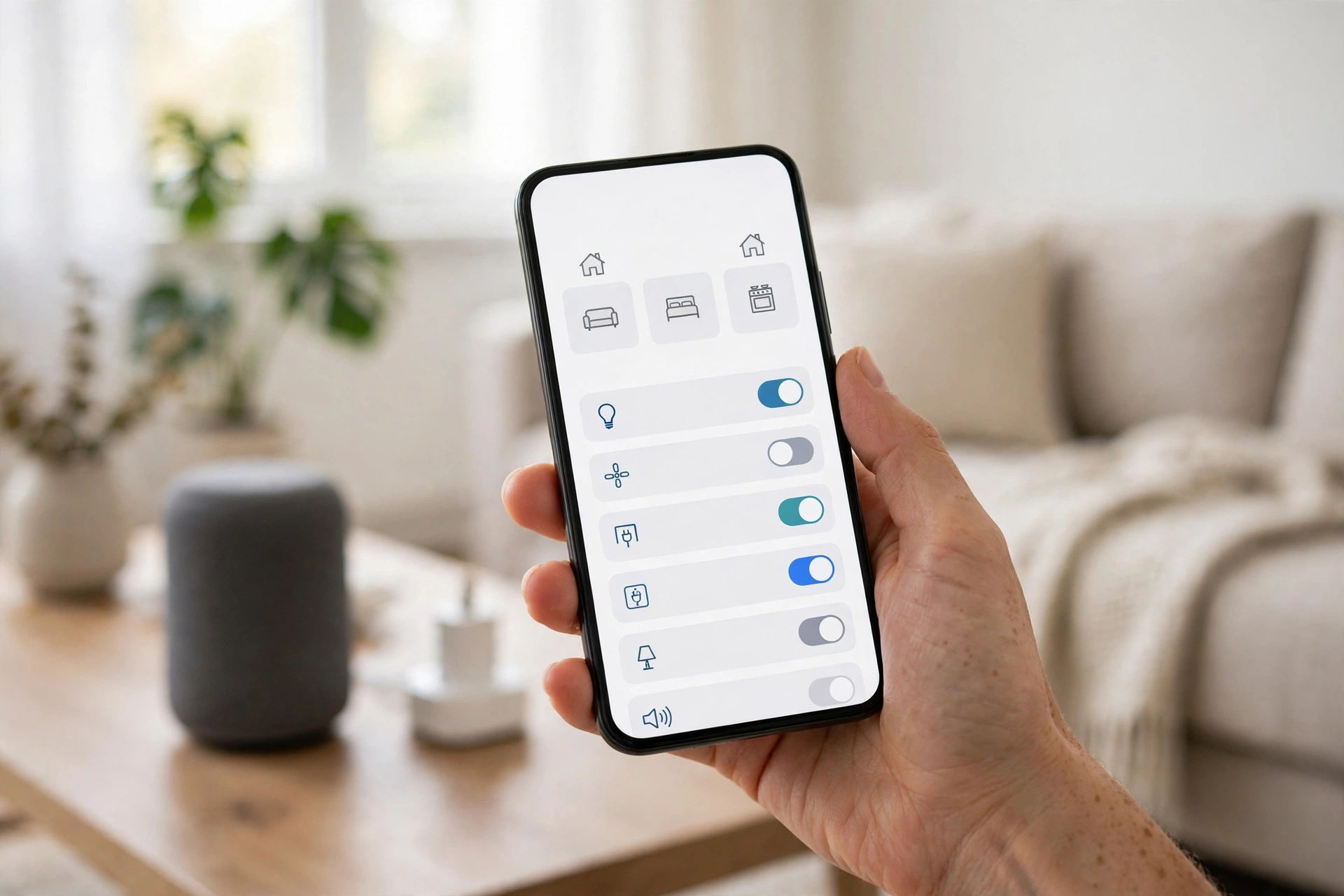
A smart home system fails when everything arrives in one box and nothing gets set up properly. Spread it over a week instead.
- Day 1 — Speaker day. Unbox the speaker, connect it to Wi-Fi, and link your music service. Ask it for the weather, set a timer, and play music. That is the whole job for today.
- Day 2 — Lights day. Screw in the two bulbs, name them by room (“Living room lamp”), and set a sunset routine. Test voice control from the sofa.
- Day 3 — Plug day. Plug in the lamp, schedule it, and create one voice command you will actually use, like “good night” to turn everything off.
- Day 4 — Routine day. Build two routines: a morning one (lights on, weather read out) and a leaving-home one (everything off). Delete any routine you do not use within a week.
- Day 5 — Household day. Add the other people in your home to the app, teach them the voice commands, and set up voice profiles so the speaker recognises each person.
- Day 6 — Privacy day. Review the privacy settings: turn off purchase-by-voice or set a PIN, check which devices can access the microphone, and set camera and doorbell recording zones.
- Day 7 — Review day. Walk through the house and ask one question per device: did I use this this week? Anything you did not use goes back in the box. Anything you used twice a day is a candidate for a second one.
What NOT to Buy First
Beginner guides rarely say this, so here it is plainly: these are the purchases that waste a beginner’s money in 2026.
- Smart locks. A lock is the one device where a failure locks you out of your house. Buy it in month three, after you trust the system, and keep a physical key with a neighbour.
- Smart blinds or curtains. Expensive, fiddly to install, and the benefit is small until the rest of the house is automated. A $200 blind motor is not a starter purchase.
- A second hub box. Your speaker already is the hub. Do not buy a SmartThings Station or Aeotec hub until you own Zigbee or Z-Wave devices — and as a beginner, you should not.
- Cheap no-name devices. A $7 bulb from a brand you cannot pronounce is a security risk and a support dead end. It will stop getting firmware updates, and it may never get a Matter certificate. Buy the boring brand.
- A whole-house bundle. Bundles look like a deal and lock you into one maker’s ecosystem before you know which one you like. Buy the three starter devices, live with them for a month, then expand.
- Smart appliances. A smart fridge or washing machine costs hundreds more than the ordinary version and adds almost nothing. Automate the lights and plugs first; the fridge can wait forever.
Privacy and Security Basics for Your First Smart Home System
A smart home system puts microphones and cameras in your house, so spend twenty minutes on the basics before you add more devices.
- Use a strong, unique Wi-Fi password and, if your router supports it, put smart home devices on a separate guest network. If one device is compromised, it cannot reach your laptop.
- Turn on two-factor authentication for your Amazon, Google, or Apple account. Your smart home account is the key to every device in the house.
- Set a voice-purchase PIN on Alexa and Google, so a child or a TV advert cannot order things through your speaker.
- Review voice recordings monthly and delete what you do not need. All three ecosystems let you do this from the app.
- Keep firmware updated. Set devices to auto-update where possible, and check the app monthly for anything pending. Unpatched devices are the most common way smart homes get attacked.
- Point cameras at entries, not bedrooms. A camera belongs at the front door and the back door. It does not belong in a bedroom or a bathroom, ever.
Frequently Asked Questions
What is the best smart home system for beginners in 2026?
The best smart home system for beginners is a three-device starter kit inside one ecosystem: a smart speaker, two smart bulbs, and a smart plug, for about $85 with Alexa, $134 with Google, or $159 with Apple. Pick the ecosystem that matches your phone — Alexa for the widest choice, Google for Android, Apple for iPhone — and buy only Matter-certified devices so everything keeps working if you switch assistants later.
How much does it cost to start a smart home?
A working beginner smart home system costs $85–$160 for the starter kit: speaker, two bulbs, and one plug. Add a smart thermostat in month two (~$130–$280) and a video doorbell in month two or three (~$60–$180). A realistic first-year total, including one thermostat and one doorbell, is $250–$500 — and there is no need to spend it all at once.
Do I need a smart home hub to get started?
No. In 2026 a modern smart speaker — Echo Dot, Nest Hub, or HomePod mini — already works as your hub: it is a Matter controller and a Thread border router. You only need a separate hub if you buy Zigbee or Z-Wave devices, which beginners should avoid. If you want the full reasoning, see our guide on whether you need a smart home hub.
What is Matter, and why does it matter for beginners?
Matter is the industry standard that lets a smart device work with Alexa, Google Home, and Apple HomeKit at the same time. Before Matter, a bulb bought for one ecosystem often would not work with another. For beginners, the rule is simple: buy Matter-certified devices and your starter kit stays useful even if you change voice assistants later.
Which smart home ecosystem should I choose: Alexa, Google, or Apple?
Choose by the phone and services you already use. Alexa has the widest device choice and the cheapest entry point. Google Home fits Android households and adds a screen with the Nest Hub. Apple HomeKit fits iPhone households and offers the strongest privacy, but fewer devices and higher prices. Our full comparison of Alexa, Google Home, and Apple HomeKit breaks down the differences device by device.
What should I buy first for a smart home?
Buy in this order: a smart speaker first, then two smart bulbs in your most-used room, then one smart plug. Those three purchases teach you how the system works for under $160. Wait until month two for a smart thermostat and a video doorbell, and do not buy a smart lock, smart blinds, or a whole-house bundle until the starter kit has worked for a month.
The Bottom Line
The best smart home system for beginners in 2026 is a small one built on one rule: pick a single ecosystem, buy Matter-certified devices, and start with three things — a speaker, two bulbs, and a plug — for $85 to $159. Live with that kit for a month before you buy anything else. If the lights come on at sunset, the lamp switches off with a voice command, and nobody in the house has fought the app, your system works — and a thermostat and a doorbell are the sensible next steps. If something in the starter kit annoyed you every day, you have learned it for $85 instead of $500. That is what starting small is for.
Disclaimer: Prices in this article are approximate list prices in late 2026 and change frequently — the Echo Dot and Nest Hub in particular are regularly discounted. Check the current price before buying, confirm Matter certification on the product page, and check thermostat wiring compatibility for your home before installation. This article is general buying guidance, not professional installation advice; hire a qualified installer if your home wiring is unusual.